What Happened
After a week of daily use with Android laptops, an observer found the promise of seamless phone-laptop integration to be largely unmet. The experience was a mix of genuine utility and persistent frustration, exposing deep gaps between the vision of unified computing and the reality of broken connectivity, poorly optimized apps, and unreliable file management.
The Good — What Works
There are moments where Android laptops shine. They provide fast access to desktop versions of common apps—tools that would otherwise require a separate MacBook or tablet. Watching Netflix, HBO Max, or other streaming services offline is particularly valuable, making the laptop a viable replacement for the author's existing plane-watching tablet. Simple casting tasks also work well: quickly diving into a payment app like Splitwise or sending a message in WhatsApp from the laptop without unlocking the phone adds convenience without distraction.
The Bad — Where It Falls Short
Despite these highlights, the overall experience is frustrating. Connectivity is inconsistent. Even with an Android 17 phone, stable link-to-laptop communication requires frequent toggling of cross-device settings, multiple restarts, and sometimes luck. Switching between phones proves difficult—the Asus model sticks to one phone while the HP oscillates between two devices, and neither recognizes others reliably. Moving to a new Wi-Fi network resets the entire pair, forcing another restart to restore communication.
App compatibility is poor. Many Android apps are essentially mobile-only experiences when placed on a laptop. The mobile version of Slack is unworkable in a desktop environment, and Adobe’s Android apps are significantly weaker than their desktop counterparts. Apps labeled "Optimized for desktop" in the Play Store rarely deliver real desktop functionality—they stretch interfaces to fit large screens and offer only basic mouse support, often failing to recognize standard actions like right-click or proper orientation shifts.
Google’s own ecosystem is incomplete. Chrome lacks essential features like profile switching, split-view tab management, and custom search shortcuts. The Play Store’s promised "entire Play Store library" is not fully realized—apps like Bluesky and Okta cannot be installed at all due to architecture differences across ARM and Intel chips. These limitations undermine the core premise that Android laptops can replace traditional laptops.
The Ugly — Systemic Problems
Beyond individual app issues, broader integrations break down. ContinuationOn, meant to allow tasks to resume on the laptop after starting on a phone, is unreliable and rarely functions properly. Notifications become chaotic—phone and laptop alerts mix, causing apps like Slack to open casted phone apps instead of native versions, while WhatsApp notifications fail entirely. File transfer is catastrophically slow: accessing the phone’s storage takes minutes, and moving a single 5MB photo can take even longer, making the feature useless for everyday use. QuickShare (Android’s AirDrop equivalent) performs well, transferring files in seconds—but this alone doesn’t compensate for the underlying dysfunction.
Why It Matters
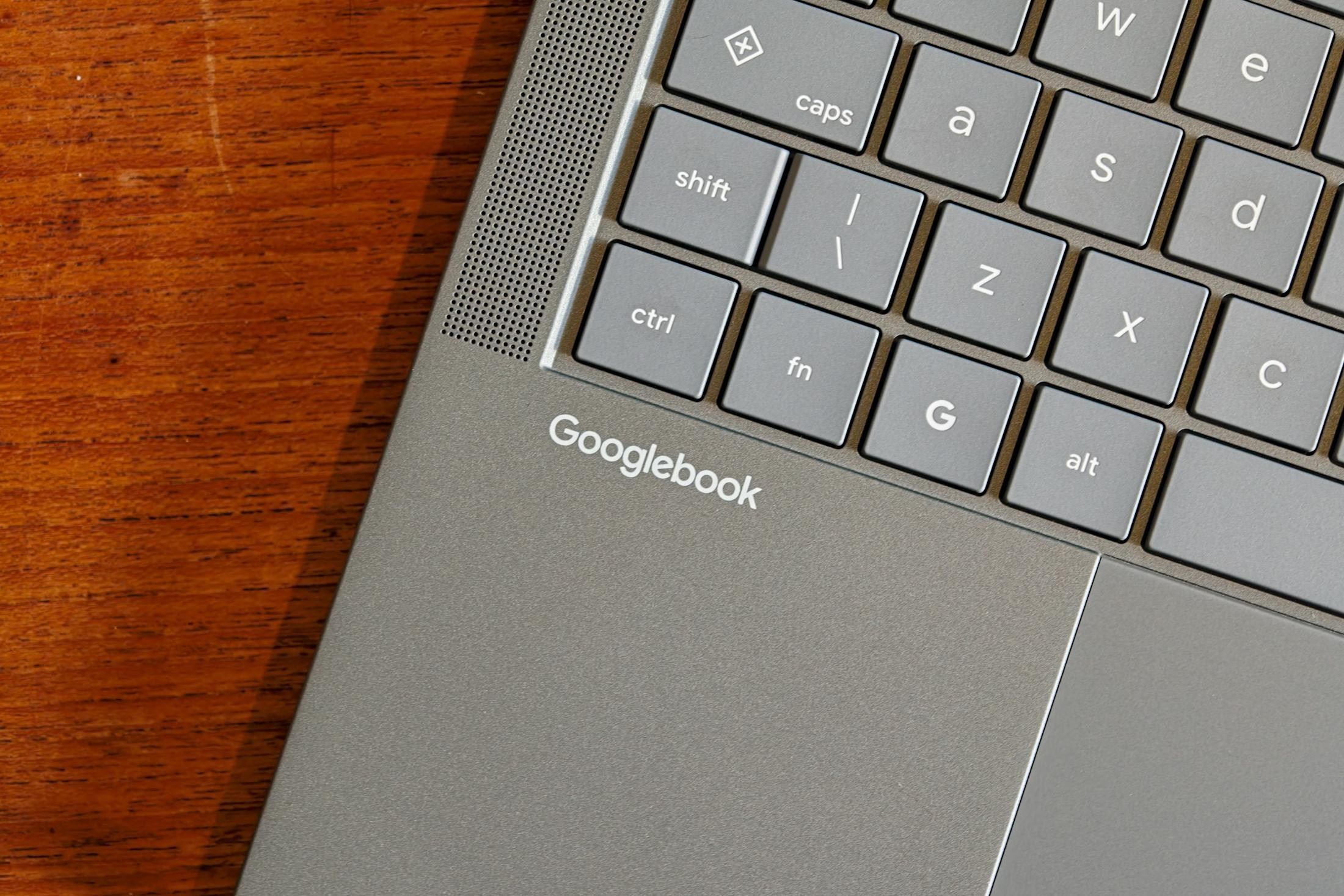
This review illustrates a broader tension in Android’s strategy: pushing Android laptops toward a future where phones serve as secondary control surfaces, while simultaneously leaving the core experience fragmented. For power users who rely on desktop-grade applications (development environments, design tools, coding IDEs), the current state of Googlebooks makes the investment questionable. The gap between the vision—seamless handoff between devices—and the reality of broken casting, missing app support, and sluggish file management suggests that Google has significant work ahead in either improving Android laptop software or accepting that these devices will always be niche.
What It Means for Readers
If you consider an Android laptop for productivity, the current experience suggests caution. The laptop excels at acting as a portable hub for mobile-centric workflows—quick messages, simple casting, and streaming media—but falls short for serious desktop tasks. Users who need full-featured browsers, IDEs, or complex productivity suites will likely find the experience underwhelming. Meanwhile, developers building Android apps face a confusing landscape where "desktop-optimized" labels mean little, and many popular apps are ill-equipped for the larger screen. For anyone weighing this purchase, the recommendation leans toward waiting for substantive improvements in Google’s cross-device integration before committing.